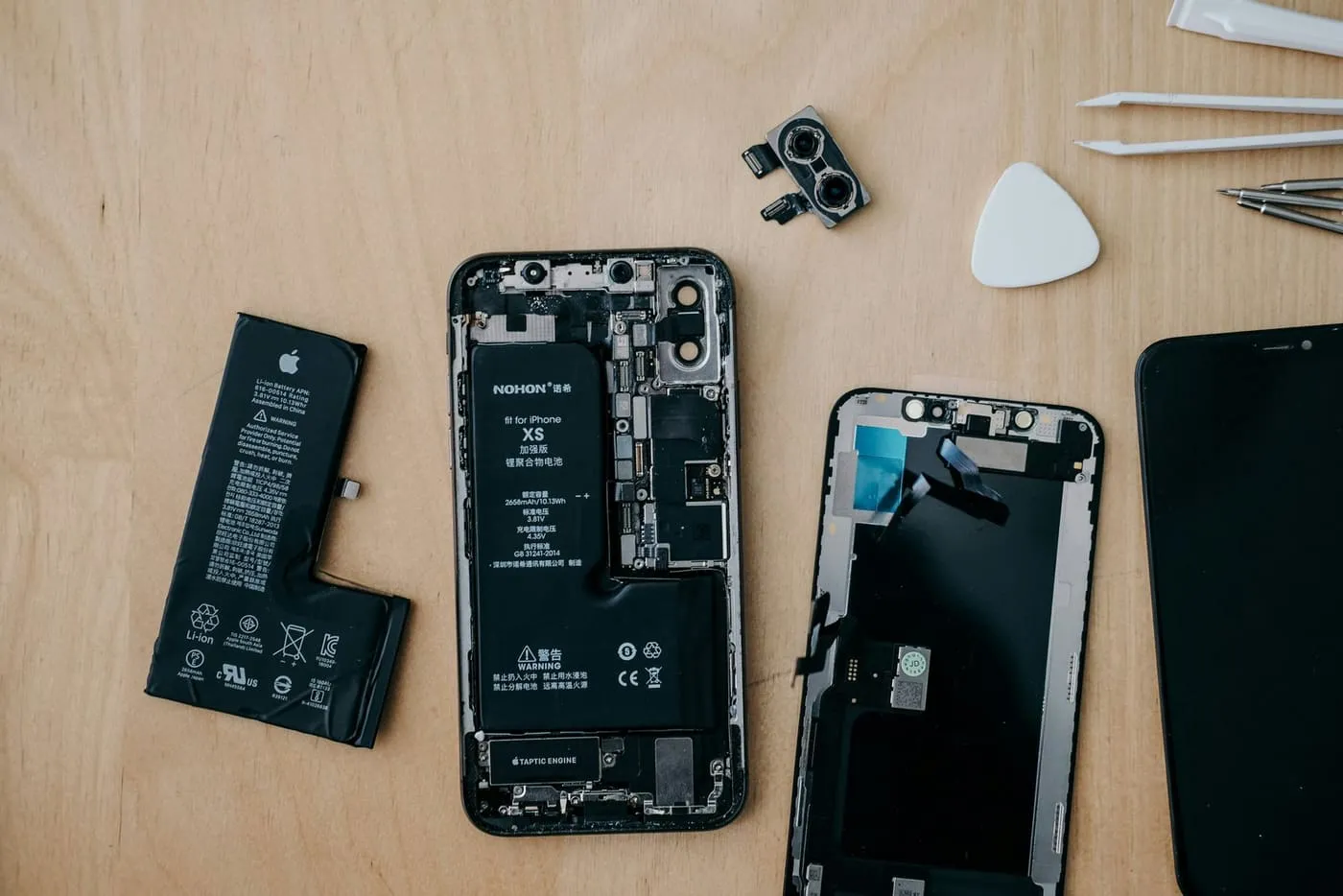
A battery that suddenly drains fast is one of the most common reasons people bring a phone in — and surprisingly often, the cell is fine. A rogue app, a bad update or one aggressive setting can flatten a healthy battery by mid-afternoon. Here's the exact order we check things in, so you can rule out the free fixes before paying for a replacement.
First, check the one number that matters
On iPhone, open Settings → Battery → Battery Health & Charging and look at Maximum Capacity. On most Androids it's under Settings → Battery → Battery health (or in Samsung's case, Device care). If you're above 80%, the cell is probably healthy and the drain is something else — keep reading. Below 80%, especially with shutdowns, the battery itself is the likely culprit.
The 7 fixes
1. Find the app that's eating the battery
In the same Battery screen, scroll to the per-app breakdown. If one app you barely use is near the top, that's your problem. Force-close it, check for an update, or delete and reinstall it.
2. Turn off Background App Refresh for apps that don't need it
Social, shopping and news apps quietly refresh in the background all day. Restrict the ones that don't need live updates (iPhone: Settings → General → Background App Refresh).
3. Tame the screen
The display is the single biggest battery drain. Drop brightness, switch on auto-brightness, and shorten auto-lock to 30 seconds. On phones with an always-on display, turning it off alone can add an hour.
4. Rein in location services
Apps set to "Always" track your location around the clock. Switch them to "While Using" — your maps and rideshare apps will work exactly the same.
5. Update the OS — and then wait a day
A buggy update can hammer the battery, but so can being out of date. Install pending updates, then give it 24 hours: phones re-index and back up heavily right after an update, which looks like a battery fault but settles down.
6. Watch 5G in weak-signal areas
If you're somewhere with patchy 5G, the phone burns power hunting for signal. Switching to "5G Auto" or LTE in those spots helps more than people expect.
7. Restart it
Unglamorous, but a phone that hasn't been restarted in weeks can have a stuck process draining it. A full power-off-and-on clears it.
When it's genuinely the battery
Replace the cell if you see any of these: maximum capacity under 80%, the phone shutting down while it still shows 20–40%, the back or screen lifting (a swollen battery — stop using it and bring it in), or the case getting hot during normal use. These aren't settings problems.
A fresh original-quality cell takes 30–45 minutes to fit and buys most phones another year or two — far cheaper than a new handset. If you're near us, drop into Riverwood Plaza (or one stop down the line from Padstow) and we'll run the health check and confirm the price before touching your phone. Not sure it's worth it? See repair or upgrade?